
There is no signal on the trail.
Activities run in the phone’s browser and need a connection. Place the QR codes where there is a signal: at the entrance, in the visitor centre or at rest points along the way.
For parks and visitor attractions
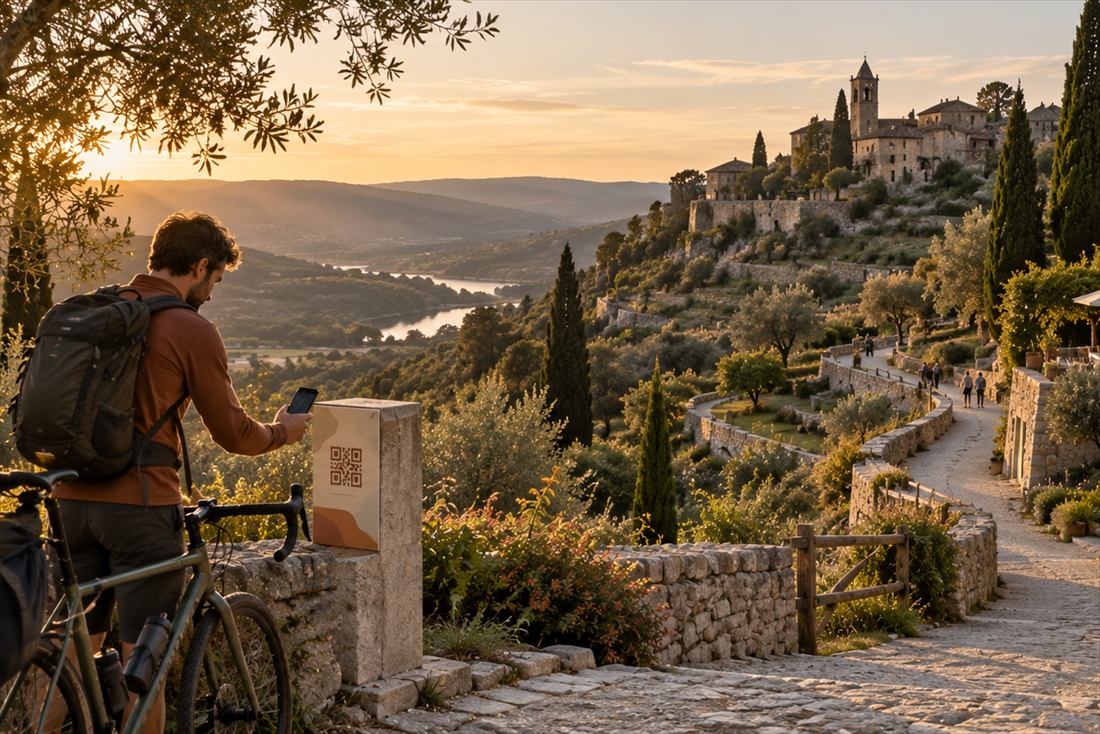
Panels, guides and species lists become activities visitors open by QR code at the entrance, in the visitor centre or along the trail, to discover the place and learn as they go. Prepare them once, out of season, in the languages your visitors speak.
Examples
You have
The texts of the interpretation panels along a nature trail.
You get
A tour that leads visitors from stop to stop, with a treasure hunt, “Find in the picture” with your own photographs, and a stamp for every stop solved.
You have
The visitor centre guide and photographs of the species.
You get
Narrated info cards, a memory game and sorting into categories, for families with children.
You have
The website of a cave, a zoo or a winery that tells the story of the place.
You get
A portal unit where visitors pick an avatar and collect points across activities.
These examples are illustrative and are not client case studies.
Try an example
A nature trail for families with children: the birds of the wetland, where each one lives and a year in the life of a stork.
Scan the code with your phone or open the example directly. This is how it looks on a phone: in the browser, with no app to install.
We made these examples for demonstration. The institutions in them are invented and are not our clients.

Questions
Activities run in the phone’s browser and need a connection. Place the QR codes where there is a signal: at the entrance, in the visitor centre or at rest points along the way.
The unit stays when people leave. Whoever comes next signs in from a browser and finds everything where it was, and a unit that worked last year is copied in one click and refreshed.
Children need no account and give no name. The youngest can colour, match pairs and put a jigsaw together; older ones can follow a tour with a stamp at every stop and a keepsake picture at the finish.
For every unit, including those with no sign-in, you see how often activities are opened and finished, in which language and on which day, and for a tour, how many visitors set off and how many reach the finish. Download the report as a PDF or CSV, ready for your director or funder.
Yes, that is the usual starting point. Paste the panel texts or upload the guide they came from. For nature there is a separate content profile: the AI may not invent a species, feature, number or location that is not in your source, and it keeps species names, scientific ones included, exactly as you wrote them. Generated illustrations stay off until you switch them on.
Languages, narration, your colours and visitor privacy work the same for everyone:
Which plan
The Free plan gives you one published unit with up to five activities: enough to try it on one trail or in one visitor centre. A park or attraction that needs more units, languages or team members moves to the Institution plan, agreed for your institution.
No time to build it yourselves? We can write and illustrate it for you, from your material. Made to measure