
Interactive learning
Many ways to learn from the same source.
One catalogue can become a quiz for adults, a colouring book for children and a treasure hunt for families—all in your visitors’ languages and your institution’s colours.
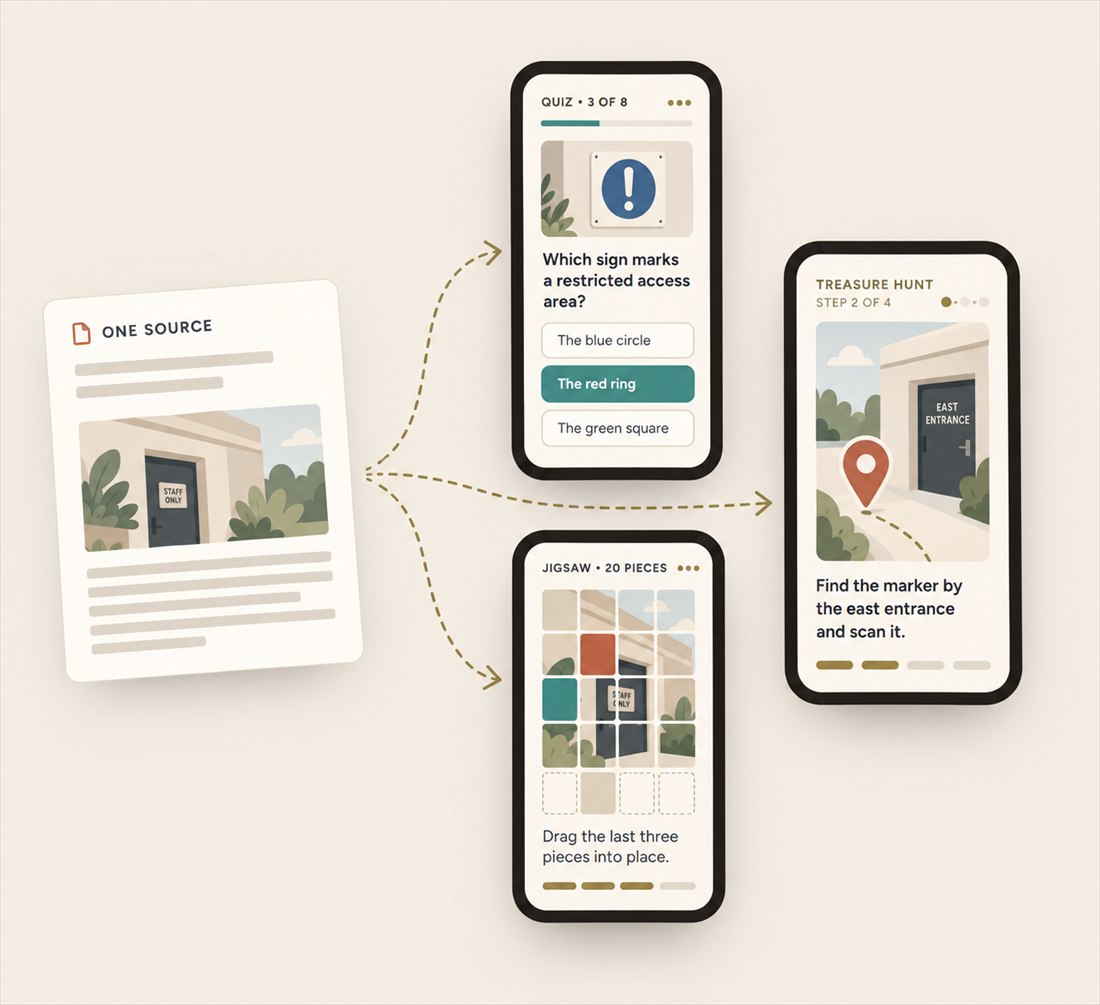
- One source
- Many activities
- Your languages and colours
The library
Explore the activity library.
Aristoqle recommends activities that fit your material and audience, and every kind can also be built by hand from a blank page. You choose the final mix.
-

Quiz
Multiple-choice questions drawn from your own text.
-

Word search
The key terms of a topic, hidden in a grid of letters.
-

Memory
Pairs of cards to find and remember.
-

Jigsaw
A photo of an exhibit or a landscape, put together piece by piece.
-

Colouring book
A drawing to colour in on screen, for your youngest visitors.
-

Treasure hunt
Clues and tasks that send visitors exploring.
-

Ordering
Events or objects to put in order, for example by date.
-

Matching pairs
Terms to connect with their explanations.
-

Info card
A short lesson on one exhibit or topic, with narration.
-

Maze
Finding the way through a maze.
-

Sort into categories
Terms to place in the group where they belong.
-

Fill in the blanks
Sentences from your material with the key words missing.
-

Find in the picture
Details to spot in a photo or an illustration.
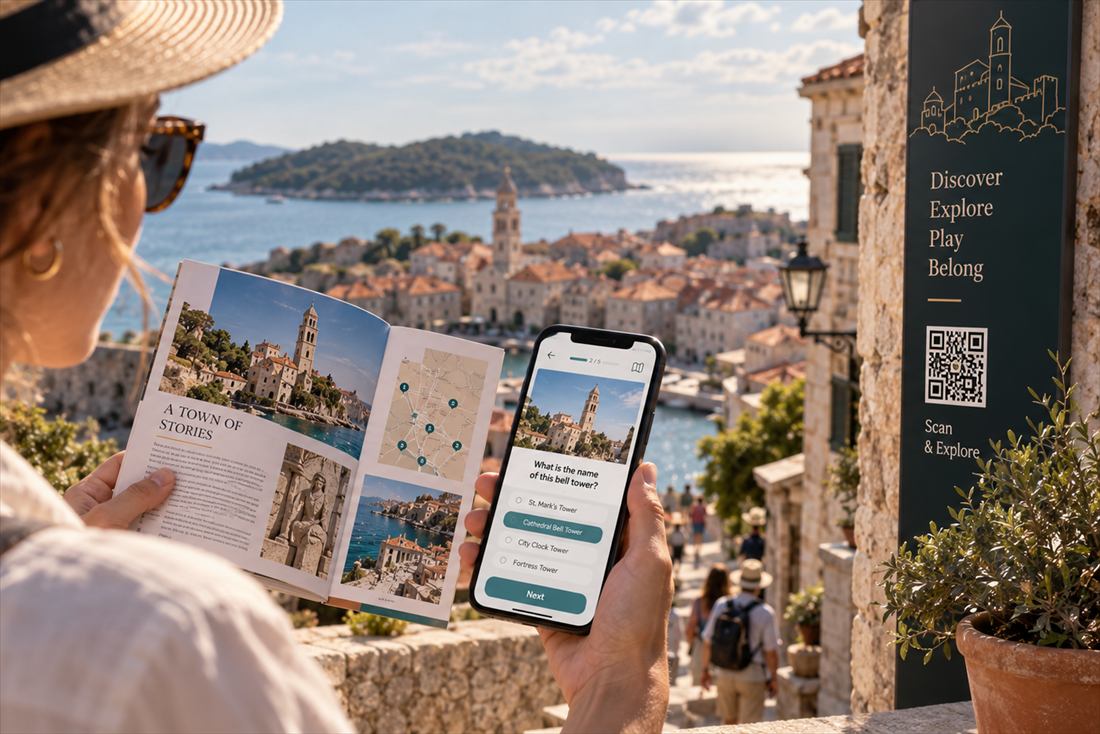
Learning beats
Explanation first, practice second.
Place an info card—a short lesson—before a game based on the same material. Visitors read or listen, then practise straight away.
-
Info card
A short explanation of one exhibit or topic.
-
The game that follows
Questions and tasks about what the card has just explained.
What you get
More than games.
-
In your visitors' languages
The AI translates your content into the languages you choose, and each visitor’s screen opens in the language of their phone whenever you offer it. The interface your staff work in speaks seventeen European languages, from Croatian and Italian to Swedish and Finnish.
-
Narration
Info cards and quizzes offer AI narration in supported languages. If it is unavailable, the phone’s browser can read the text aloud.
-
An accessible display mode
The quiz and the info card have an accessible display mode: large tiles, with language and narration one tap away.
-
In your institution’s colours
A colour palette is derived from your logo or website and applied to the screens your visitors see.
-
Visit guides
Each unit includes a draft printable guide for children, teenagers, adults and group leaders, set on your institution’s letterhead.
-
Numbers you can show
For every unit, including those with no sign-in, you see how often activities are opened and finished, in which languages and on which days, and for a tour, how many visitors reach the finish. Download a report for your director or funder as a PDF or CSV. In public units we count, we don’t track: nothing about the visitor is stored.
-
Ready to print
Station signs, a poster and a leaflet are laid out for you in your unit’s colours, with your logo and the QR codes. Print them on an ordinary printer and put them up the same day.
-
A QR code that never goes out of date
Every QR code goes through a short permanent link. When you swap an activity, you change only where it leads in the app; the sign on the trail stays where it is.
-
Build once, use again
Copy a unit that works in one click, with all its activities, images, translations and narration, and adapt it to a new exhibition, trail or season.
Delivery
Choose how visitors take part.
-
Tour
One QR code at the entrance leads visitors through the stops in order. At each one they discover something new and win a stamp for their collection, and at the finish a keepsake is waiting to take home. No sign-in.
-
A QR code by every exhibit
Each activity has its own QR code next to an exhibit, a panel or the information desk. Visitors scan whatever catches their interest, with no sign-in and no set order.
-
Portal unit
Workshop participants or a guided group join with just a nickname, with no password or email address, collect points across several activities and follow their own progress.
Yours to keep
Your content, your copy.
Your content remains yours on every plan, and raw content, media and JSON are free to export. The Institution plan also lets you export a verified unit as a static web package to host on your own server.
Your first unit
Start with what you know.
Open a free account. Bring a catalogue or a guide, or start from a blank page, and build your first unit of interactive learning.